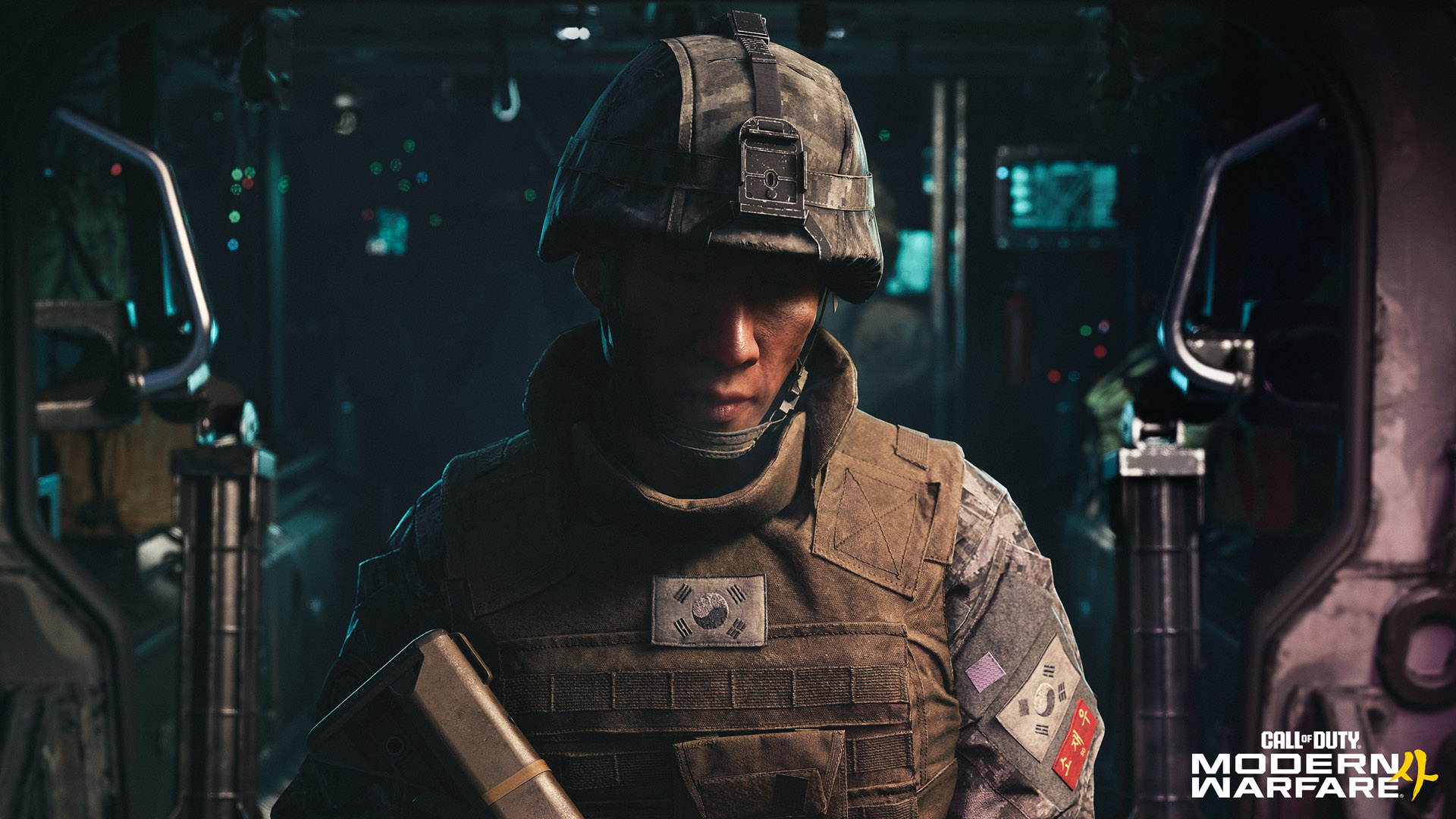
To remove the Call of Duty background on Xbox, press the Xbox button and go to Profile & system > Settings > General > Personalization > My background. Then uncheck Show event-themed backgrounds. That path comes from Xbox’s own support page, and outlets that covered the swap report that unchecking the box stops it.
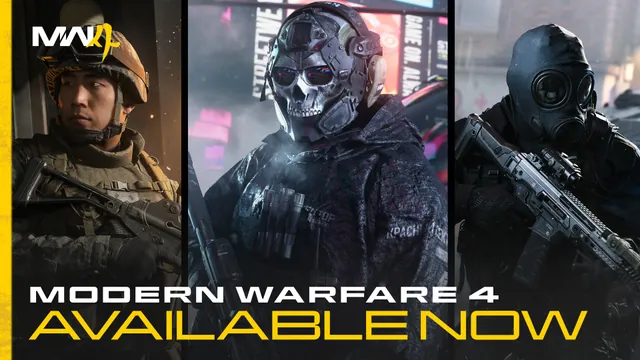
The Modern Warfare 4 art began replacing Home backgrounds on Xbox Series X|S on October 23, the game’s launch day. Players were still posting about it on October 25.
Updated October 25, 2026.
Where's your setting?
Tick each step as you go on your console.
Step 1 of 4
Done. Head back to Home. With the box unchecked, the event art shouldn't replace your background.
Two things to check. Event-themed backgrounds appear only on Xbox Series X|S, and child accounts don't get them. On UK consoles, look for Personalisation. You might also be asked for your PIN.
Where's your setting?
- Press the Xbox button to open the guide.
- Go to Profile & system > Settings.
- Select General > Personalization > My background.
- Uncheck Show event-themed backgrounds.
Can't find it? Event-themed backgrounds appear only on Xbox Series X|S and not for child accounts. UK consoles spell it Personalisation.
What changed
Xbox added a checkbox called Show event-themed backgrounds to the My background menu. Its support page explains the idea: “During some events, such as a major game launch, your Home background can change to an event-themed dynamic background.”
On the console, the setting’s own description reads: “Shows occasional event-themed dynamic backgrounds. Temporarily overrides selected game art.”
While the event art is up, Xbox says Show selected game art is paused. Highlighting a recent game no longer brings up that game’s art.
Picking a new background won’t help either. Windows Central, which GameSpot credits with reporting the swap first, says changing the background “doesn’t fix it.” The event checkbox is the switch.
Who sees it
Xbox says event-themed backgrounds appear only on Xbox Series X|S and aren’t shown for child accounts. Xbox One consoles don’t get them.
Owning the game makes no difference. Windows Central’s Jez Corden noted the takeover arrives “even if you already purchased the game.”
Whether the box started out checked is less clear. Xbox’s page doesn’t say. Pure Xbox reports that “the checkbox is on by default,” and some players on X say they never turned it on. TweakTown describes the feature as opt-in.
During some events, such as a major game launch, your Home background can change to an event-themed dynamic background.
How to turn it off
These steps come from Xbox’s support page:
- Press the Xbox button on your controller to open the guide.
- Go to Profile & system > Settings.
- Select General > Personalization > My background.
- Uncheck Show event-themed backgrounds.
Windows Central’s screenshot of the menu matches. The My background screen shows Show event-themed backgrounds as a checkbox under Show selected game art. Windows Central adds that you might be asked for your PIN.
The wording you’ll see in guides varies. UK consoles spell it Personalisation. Windows Central’s written steps, and some posts on X, say My backgrounds, while Xbox’s page and the menu itself say My background. Others shorten it to Settings > Personalization > Background. All of them lead to the same checkbox.
Same checkbox, different wording
| Where you read it | Wording |
|---|---|
| Xbox support page | Profile & system > Settings > General > Personalization > My background |
| The console menu (Windows Central screenshot) | My background > Show event-themed backgrounds |
| UK consoles | Personalisation |
| Windows Central’s steps, some X posts | My backgrounds |
Windows Central notes you might be asked for your PIN.
If it won’t go away
Some players say they can’t switch back. One wrote to Xbox Support on X: “Why is my background MW4 and cant change it.” Most posts like this describe the usual background menu, which won’t override the event art. Uncheck the event box first.
If you’ve unchecked it and still see the art, there’s no confirmed fix yet. Xbox says your background “comes back on its own when the event ends or after a set number of days, whichever happens first.” It hasn’t said how many days that is for Modern Warfare 4.
The checkbox only covers the background. The Modern Warfare 4 tiles on Home stay put. TweakTown’s Derek Strickland says those ads “take up more than 65% of the screen when you scroll down twice.”
For a plainer Home screen, Strickland uses high-contrast mode, found under Settings > Accessibility > High contrast. His screenshots show a plain black background, though game promos still sit in the lower tiles.
What players think
Most reactions on X are angry. Not all of them, though. Stallion83, who bills himself as the world’s first Gamerscore millionaire, took it as a dare: “Instead of complaining about it, I’m keeping it up until I earn the Mythic achievement.”
Instead of complaining about it, I'm keeping it up until I earn the Mythic achievement.
Stallion83 (@Stallion83) October 24, 2026
Windows Central’s Corden wrote that he believes “this is the first time Microsoft has done this.” Pure Xbox expects more: “The new event-themed backgrounds look like they’re here to stay.” If you want your own background to stay put through the next big launch, leave the box unchecked.
Quick answers
Does this happen on Xbox One? No. Xbox says event-themed backgrounds appear only on Xbox Series X|S.
Will my old background come back on its own? Xbox says yes, when the event ends or after a set number of days. Unchecking the box is the faster route.
Does unchecking it remove the Modern Warfare 4 ads? Only the background. The promo tiles on Home remain.
Source log
Researched across 8 sources, including Xbox’s own support page. Every source was checked on October 25, 2026.
- Xbox Support, “Personalize your console Home screen and profile.” The Show event-themed backgrounds path, how event backgrounds work, the paused game art, the return timing, and the Series X|S and child-account limits.
- Windows Central, “Annoying: Xbox is hijacking your custom dynamic background for Call of Duty Modern Warfare 4 marketing,” Jez Corden, October 23, 2026. The menu screenshot with the setting’s description, the PIN note, “My backgrounds” wording, “doesn’t fix it,” “even if you already purchased the game” and “first time.”
- Pure Xbox, “Modern Warfare 4 Is Hijacking Xbox Dashboards, Here’s How To Turn The Background Off,” Craig Reid, October 23, 2026. “On by default,” the Personalisation path and “here to stay.”
- TweakTown, “Xbox uses opt-in system to advertise games via dynamic backgrounds,” Derek Strickland, October 24, 2026. The opt-in description, the setting’s description text, the 65% figure and high-contrast mode.
- GameSpot, “Call Of Duty Ads On Xbox Are Even More Annoying This Year With Modern Warfare 4,” Eddie Makuch, October 23, 2026. Same path, and Windows Central as first to report.
- X, @Stallion83, October 24, 2026. The Mythic achievement quote.
- X, @djsanches0000, October 24, 2026 (9:33 PM CT). The “cant change it” quote.
- Xbox Wire, “Call of Duty: Modern Warfare 4 - First Details on the Next Epic Call of Duty Campaign,” Mike Nelson and Will Fulton, May 28, 2026. Hero image.