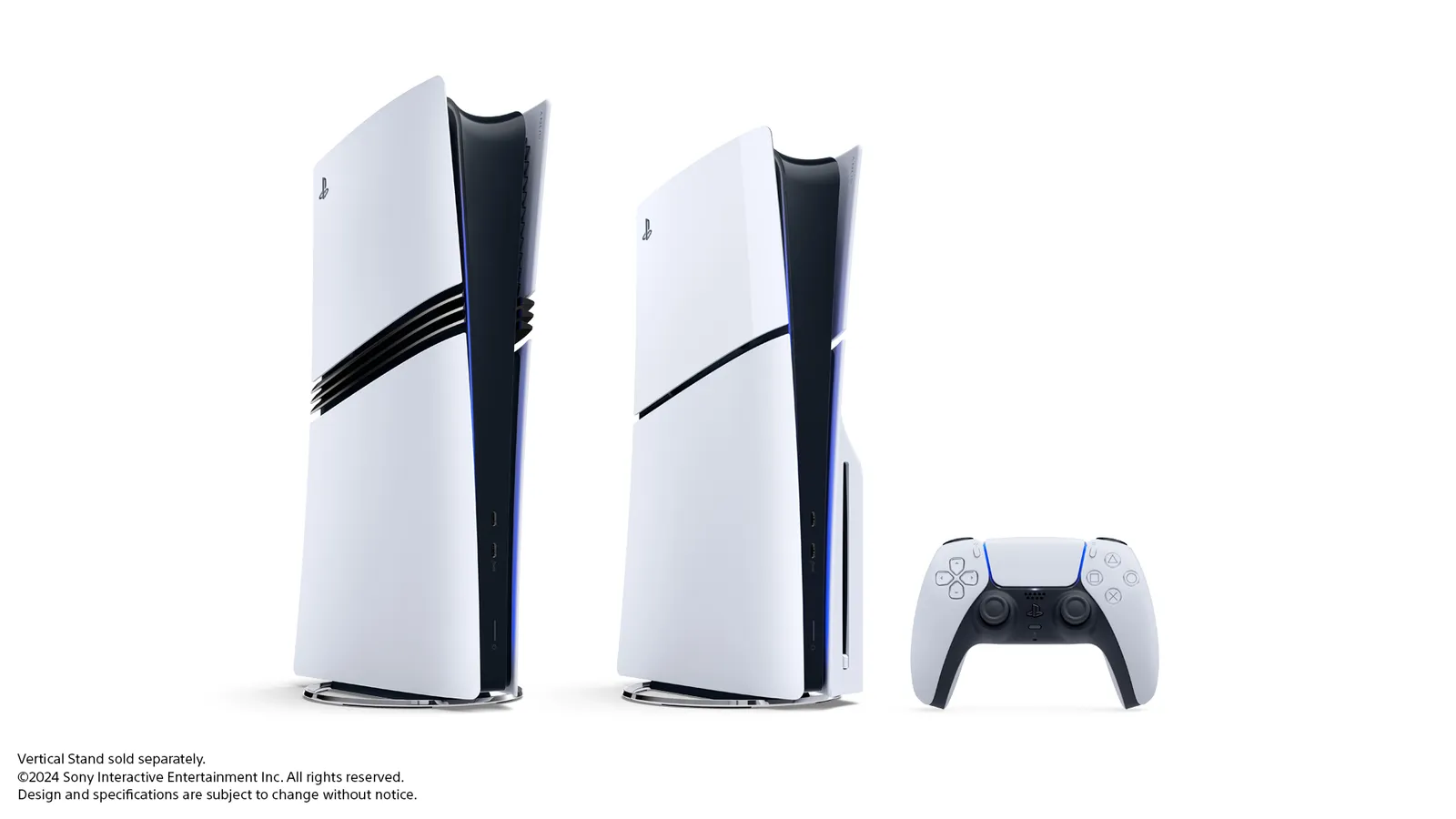
If your PS5 has started nagging you about storage, the next few weeks won’t help. Phantom Blade Zero is reported to need about 135GB on PS5, with pre-loading said to open October 27 ahead of its October 29 launch. Call of Duty: Modern Warfare 4 lands October 23 as a stack of large content packs. And Grand Theft Auto VI follows on November 19 as a download-only game, even if you buy the box.
The good news is you don’t need to panic or buy anything yet. Most of the fix is knowing how much space you really have and what you can safely move.
How much space your PS5 actually has
The number on the box isn’t the number you get. The system software and reserved space take a chunk, and storage makers count gigabytes differently from consoles. Here’s what each model shows in practice, based on major outlets’ measurements.
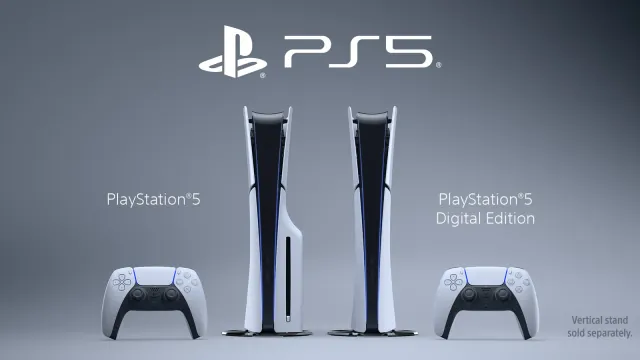
Original PS5 (825GB). About 667GB usable. Polygon reported 667.2GB at launch in 2020.
PS5 Slim (1TB). Digital Trends found the Slim’s storage menu showing 848GB, with about 842GB usable once you delete the preinstalled Astro’s Playroom. That’s close to 200GB more than the original model.
PS5 Pro (2TB). Early reports at the Pro’s launch put usable space at about 1.89TB, and other outlets have measured around 1.88TB after removing Astro’s Playroom. Sony doesn’t publish an official usable figure for any model, so treat these as measured numbers rather than specs.
If you’re not sure which model you have, go to Settings > Storage. The console shows both your used and total space there, which is the only figure that matters for your machine.
How big are this fall’s games?
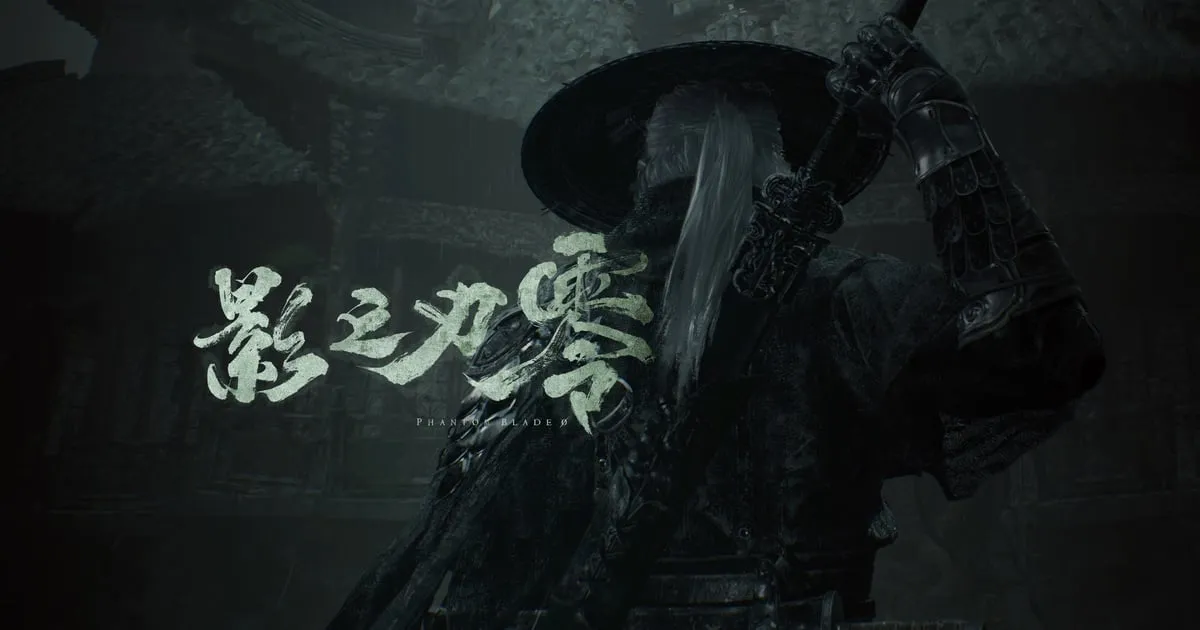
Game sizes come mostly from pre-load listings spotted by trackers like the PlayStation Game Size account, then reported by outlets. They can change with day-one patches, so use them as a guide.
Phantom Blade Zero: about 135GB. VGTimes reports that the PlayStation Store listing puts the game at 134.857GB on PS5, with pre-loading from October 27 and launch on October 29. DualShockers reported the same figures, credited to PlayStation Game Size. S-GAME hasn’t announced the size itself, and Sony’s web store page lists the October 29 date but not the size, so it’s best described as reported from store data.
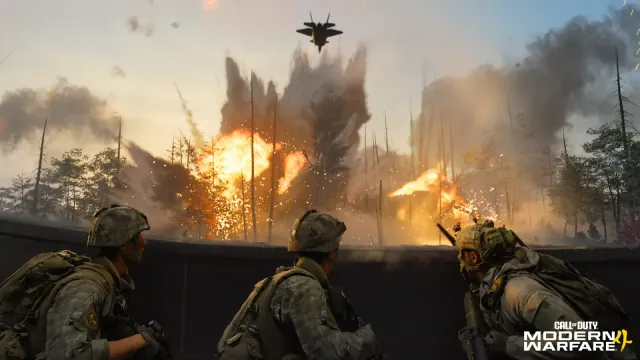
Call of Duty: Modern Warfare 4: big, but split up. The game launches October 23. According to listing data reported by Twisted Voxel, the PS5 version is split into packs, including a Campaign Pack of about 42GB and a Warzone Pack of about 42GB. Twisted Voxel cautions against simply adding the packs together, since it isn’t clear how they overlap. The upside is you can usually install only the modes you play.
Ghost of Yōtei: about 85GB at launch. Digital Trends cited PlayStation Game Size’s 85.119GB pre-load figure, and later updates have added to it. Anyone keeping it installed should expect it to take more than that now.
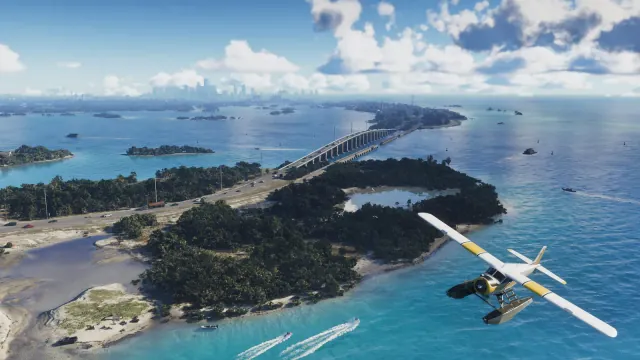
GTA 6: no official size yet. Rockstar hasn’t published a download or install size, and neither the PlayStation Store nor the Xbox Store showed one as of early October, according to GAMINGbible and other trackers. Ignore any specific gigabyte figure you see shared online unless Rockstar or the store confirms it. One widely shared Xbox number turned out to be a placeholder. What we do know: every copy is a download, including boxed ones, which contain a code instead of a disc. Pre-loading opens November 12. If you’re still deciding which console to play it on, our GTA 6 PS5 vs Xbox guide covers what’s confirmed.
Put together, these three or four games could fill most of an original PS5 on their own. On a Slim it’s tight but workable. On a Pro, most people will be fine.
Internal M.2 vs external USB: what each can do
This is where a lot of people get tripped up, so here’s what Sony’s own support pages say.
PS5 games must run from internal storage or an M.2 SSD. Sony says PS5 games can be downloaded to, updated on, and played from an added M.2 SSD, just like the console’s built-in drive.
USB extended storage can hold PS5 games, but not play them. You can move PS5 games you’ve finished to a USB drive to free up space. To play one again, you copy it back to console storage or the M.2 SSD. Copying back is usually faster than downloading the whole game again, which makes USB a good parking spot.
PS4 games can play directly from USB. You can even set USB storage as the default install location for PS4 games.
Sony’s USB requirements are SuperSpeed USB 5Gbps or faster, a capacity between 250GB and 8TB, and a direct connection without a hub. Only one USB extended storage drive can be used at a time.
What Sony requires for an M.2 SSD
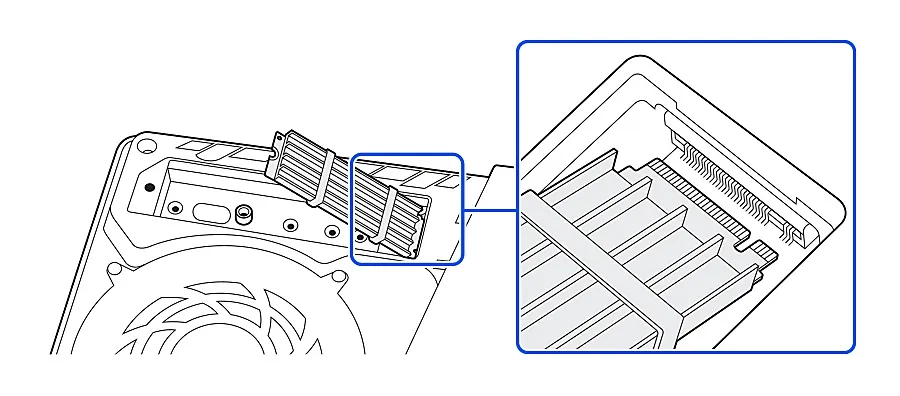
We’ll cover specific drives in a separate guide. For now, here’s what Sony’s support page lists in general terms.
- Interface: a PCIe Gen4 x4 M.2 NVMe SSD. M.2 SATA drives aren’t supported.
- Capacity: 250GB to 8TB.
- Size: form factors 2230, 2242, 2260, 2280, or 22110. With cooling, it has to fit within 25mm wide and 11.25mm thick, with limits above and below the board.
- Speed: Sony recommends a sequential read speed of 5,500MB/s or faster.
- Cooling: Sony says you need a heat-dissipation structure such as a heatsink or heat transfer sheet. Some drives have one built in. If yours does, Sony advises against adding another.
Sony also notes that not every drive meeting the specs is guaranteed to work. Installing a drive that meets the requirements and following the instructions generally shouldn’t affect your warranty, according to Sony. Update your console’s system software before installing, and expect to format the drive the first time.
What to delete or move first
Before you buy anything, try this order.
- Games you’ve finished. Move them to USB if you have a drive, or delete them. Your saves on the console are separate from the game data, and PlayStation Plus members can also back up saves to the cloud.
- Multiplayer modes you don’t play. Games like Call of Duty let you remove individual packs. If you only play Warzone, the campaign doesn’t need to stay installed.
- PS4 games. These can live on USB and still be played, so move them off the internal drive first.
- Captures. Screenshots and video clips add up. You can find and delete them from the Storage section in Settings.
- Astro’s Playroom. If it’s still preinstalled and you’ve played it, deleting it frees about 11GB, according to Digital Trends’ measurement on the Slim.
Plan ahead for pre-load dates. Phantom Blade Zero is reported to open October 27, and GTA 6 pre-loading opens November 12. Clearing space a day early beats deleting things at midnight while a download waits.
Our take
Don’t rush to buy storage. Clear out finished games, unused multiplayer packs, and PS4 titles first, then see how much room you have. If you’re on an original PS5 and plan to keep several big games installed this fall, an M.2 SSD is the upgrade that actually helps, since USB drives can only store PS5 games, not play them. Slim owners can usually get by with some housekeeping, and Pro owners have the most breathing room.
FAQ
Can I play PS5 games from an external USB drive? No. Sony says PS5 games have to be copied back to console storage or an M.2 SSD to play. PS4 games can play directly from USB.
How much space does GTA 6 need? Rockstar hasn’t said yet, and neither console store lists a size. We’ll update this when there’s an official figure.
Does adding an M.2 SSD void my warranty? Sony says it generally shouldn’t, as long as the drive meets its requirements and you follow the installation instructions.
Do I need a heatsink on my M.2 SSD? Yes. Sony requires a heat-dissipation structure such as a heatsink or heat transfer sheet, either built in or added.
Sources
- PlayStation Support: How to add an M.2 SSD to a PS5 console
- PlayStation Support: USB extended storage on PS5 consoles
- PlayStation Store: Phantom Blade Zero (release date listing)
- VGTimes: Phantom Blade Zero requires 134.857 GB on PS5, pre-load starts October 27 (October 16, 2026)
- DualShockers: Phantom Blade Zero won’t go easy on your storage
- Polygon: PS5’s SSD only has 667 GB of free storage (November 6, 2020)
- Digital Trends: The new 1TB PS5 has more usable storage space than the Xbox Series X
- PlayStation Universe: The PS5 Pro has 1.89TB of usable storage (November 6, 2024)
- Twisted Voxel: Call of Duty: Modern Warfare 4 download size and pre-load details
- Digital Trends: Ghost of Yōtei preload guide
- GAMINGbible: GTA 6 release time, preload date, download size and editions (October 12, 2026)